
Install
Add Invisible Hand from its Chrome Web Store listing.
 Invisible HandBrowser work, done.
BROWSER AUTOMATION EXTENSION
Install Invisible Hand once, open the controller, and describe a browser task. There is no workflow builder to configure before your first run.
HOW IT WORKS
The extension connects only to the official controller origins built into its release and works in the Chrome profile where it is installed.
Add Invisible Hand from its Chrome Web Store listing.
Visit app.invisiblehand.work in the same Chrome profile.
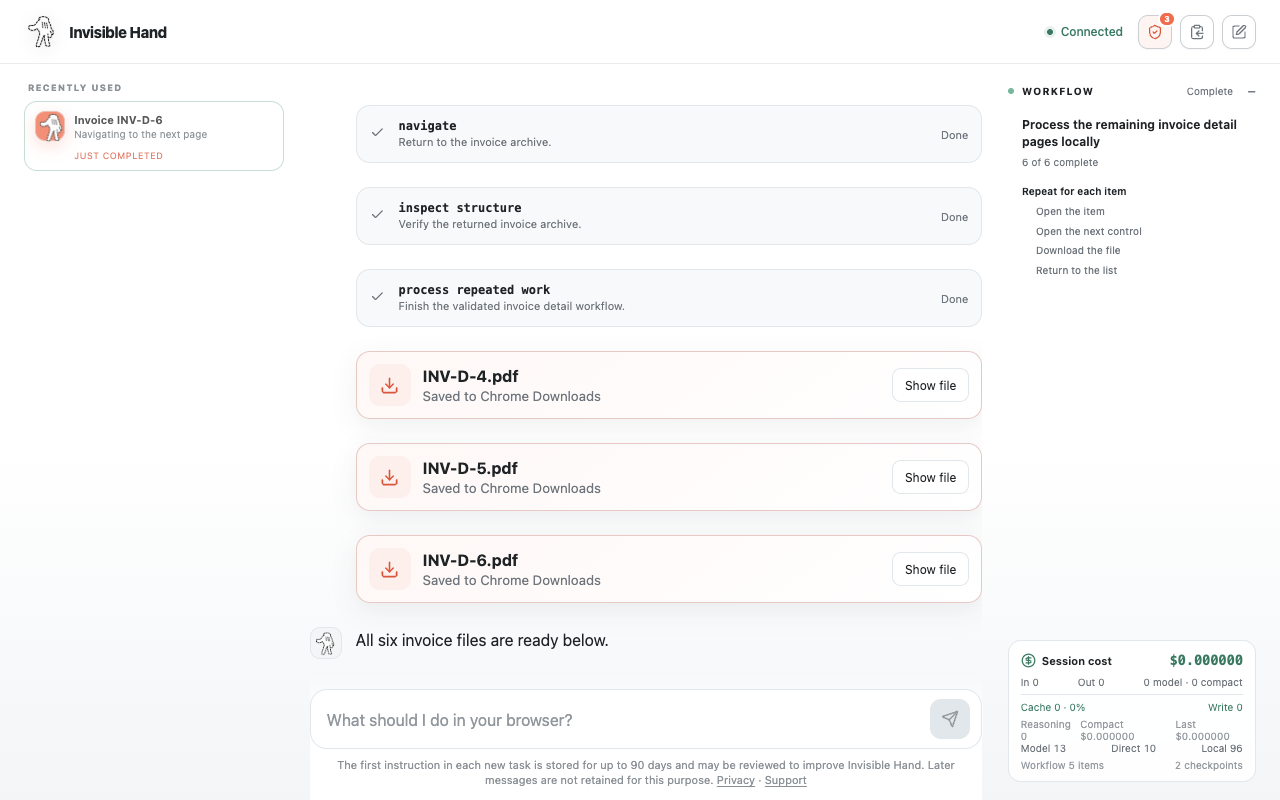
Describe one specific task and follow the browser activity.
YOUR EXISTING SESSION
Invisible Hand operates through open Chrome tabs without exporting cookies or saved passwords to recreate your session elsewhere.
CONTROL AND LIMITS
The extension needs broad site access because a user may ask it to work on different web applications. It remains idle until you start a task.
FREQUENTLY ASKED QUESTIONS
It uses debugger, downloads, scripting, storage, tabs, webNavigation, and website access to inspect and perform the browser tasks you request.
No. Invisible Hand sends nothing while idle and begins processing browser context only after you start a task.
The full privacy policy is available publicly from the controller site and explains processing, providers, storage, and retention.
START WITH ONE TASK
Install Invisible Hand, open the controller, and describe the browser work you want completed.
Add Invisible Hand to Chrome