
Move data between web apps
Collect values from websites, tables, or documents and carry them into the tool where they belong.
Useful for repeated records, portal updates, and work that has no practical API path. Invisible HandBrowser work, done.
AI BROWSER AUTOMATION
Move data between web apps, fill forms, download reports, and complete repetitive browser tasks in your existing session—without APIs or code.
Your browser. Your signed-in sessions. Your control. Invisible Hand works where the job already lives—without exporting cookies or saved passwords.
BUILT FOR REAL BROWSER WORK
Start with one concrete task in the tools you already use. Invisible Hand handles supported browser steps while keeping the work visible and reviewable.
Collect values from websites, tables, or documents and carry them into the tool where they belong.
Useful for repeated records, portal updates, and work that has no practical API path.Prepare supported fields from existing information and review the exact action before it continues.
Passwords, OTPs, payment-card fields, CAPTCHAs, and file uploads remain manual.Find invoices, receipts, reports, and documents across the signed-in portals where you already work.
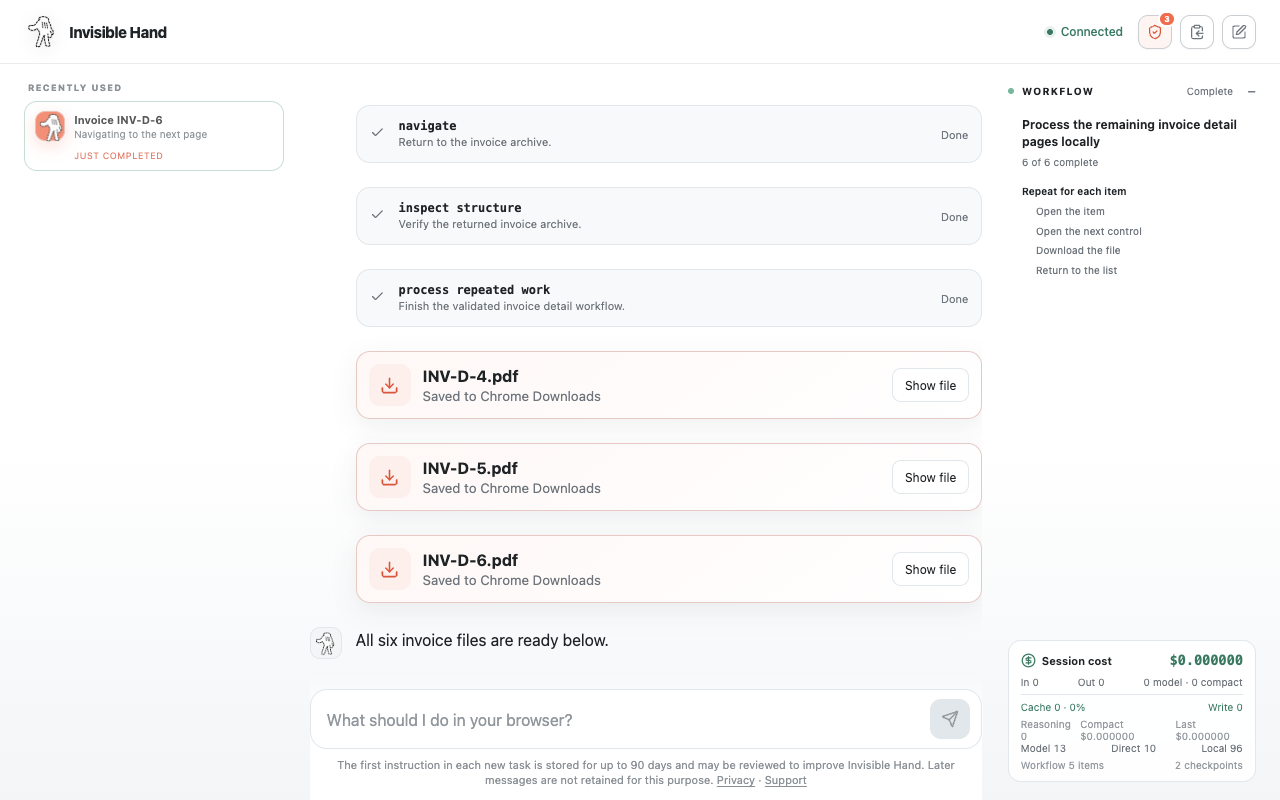
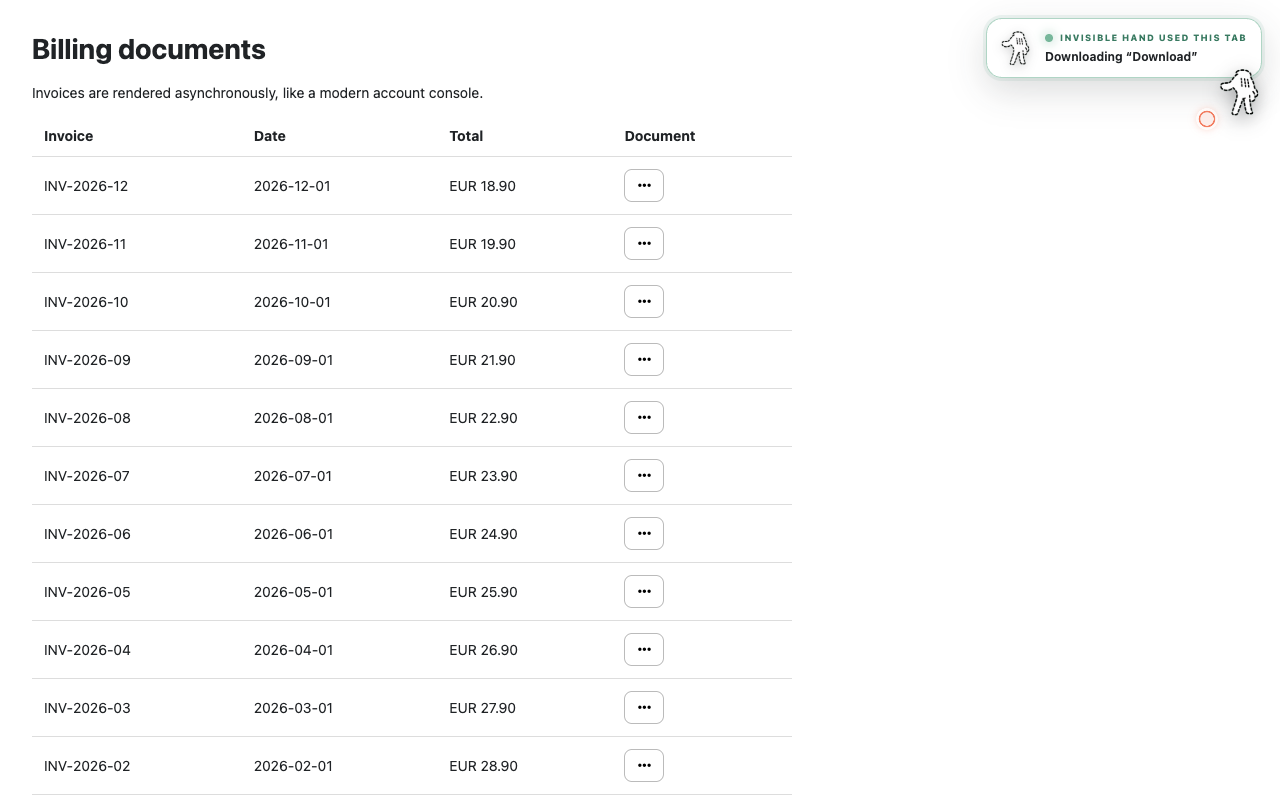
Files arrive through Chrome Downloads and appear as artifacts in the conversation.Collect tables, directories, lists, and repeated page records without manual copy and paste.
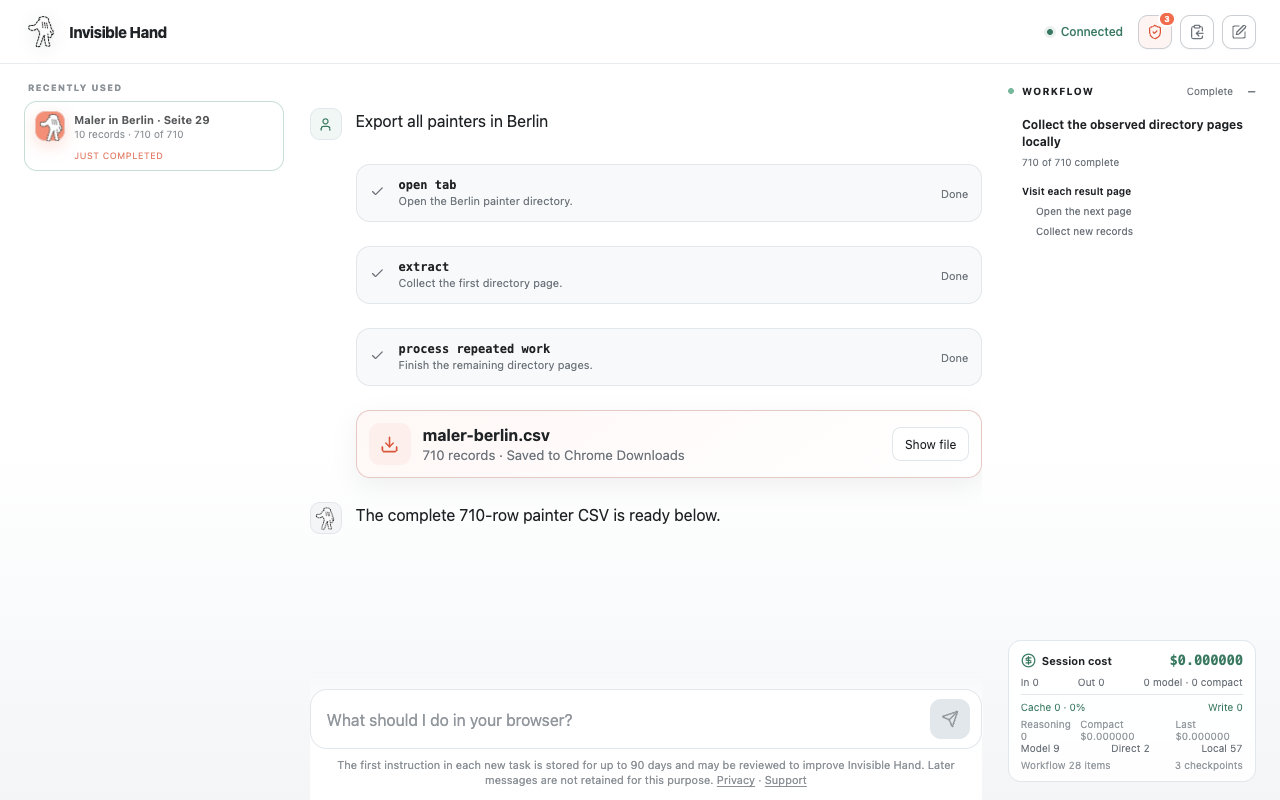
Export complete local datasets as clean CSV or JSON files.HOW IT WORKS
Tell the agent what needs to happen in plain English.
See the active tab, current action, downloads, and progress.
Review text entry, submissions, and critical actions before they happen.
No Invisible Hand account or personal API key is required for the hosted preview.
WORK PRODUCTS, NOT JUST CLICKS
Downloads and structured exports become visible artifacts, while repeated work is summarized as one understandable workflow.
Invisible Hand can learn a repeated browser pattern, carry it across records, and stop for review when a page no longer matches.
Extract repeated records into a local task dataset, deduplicate them as the browser moves through pages, then download a clean CSV or JSON file.
Approval cards show the exact action, destination, and text preview. Approve or deny the step without losing sight of the broader workflow.
Explore web form automation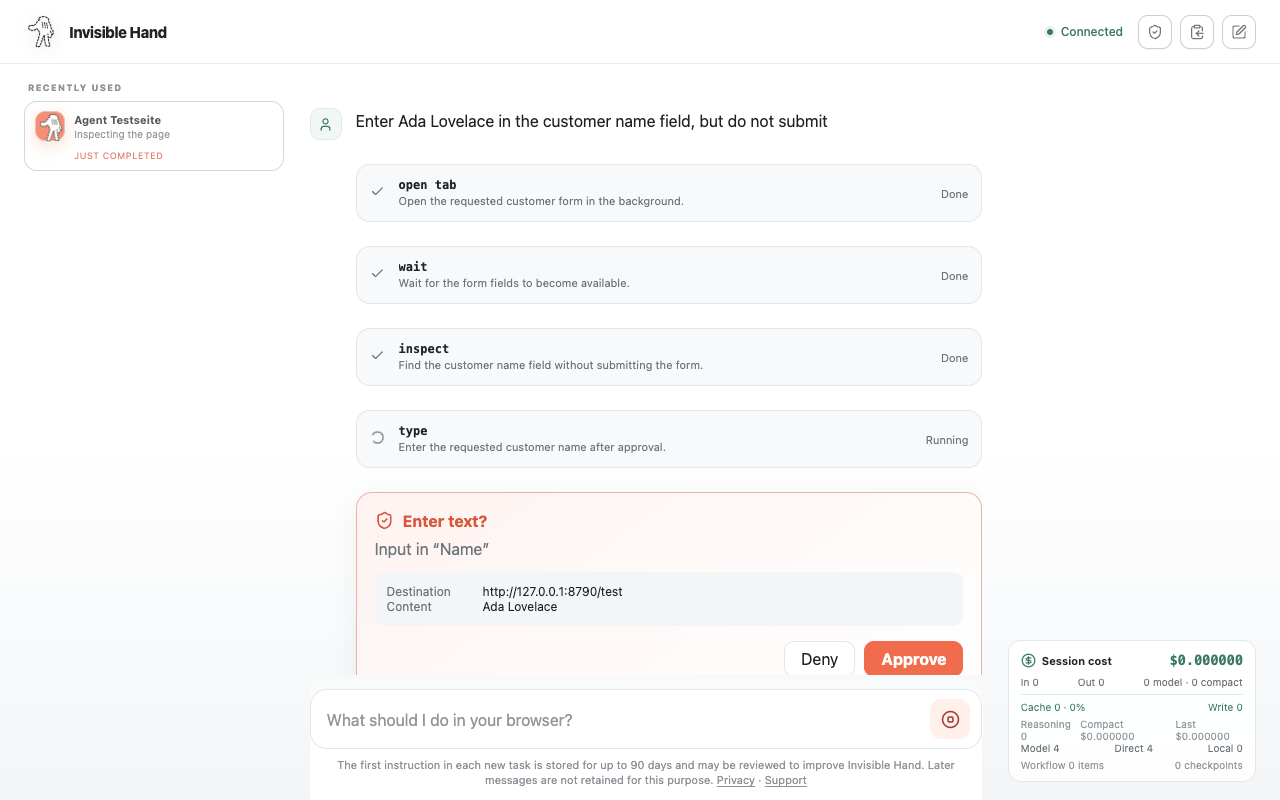
VISIBLE BY DESIGN
Active tabs, current actions, clicks, downloads, and approvals stay visible. Work can continue in background tabs, and you can stop a run at any time.
BUILT FOR THE WORK BETWEEN YOUR TOOLS
Invisible Hand is built for people who lose time moving information and files between web applications every day.
EXPLORE BROWSER AUTOMATION
FREQUENTLY ASKED QUESTIONS
It can inspect ordinary websites, navigate tabs, collect structured data, download files, enter regular text, and complete supported multi-step browser workflows that you explicitly request.
Yes. Invisible Hand works through the Chrome session where the extension is installed. It does not export cookies or saved passwords to recreate your session elsewhere.
Text entry, coordinate clicks, and submission require approval by default. Critical actions still require explicit review even when you change approval preferences.
Relevant tab metadata, visible page content, interactive element details, and requested screenshots may be sent through the Invisible Hand server to OpenAI to perform the task. Nothing is sent while the extension is idle.
READY WHEN THE BROWSER WORK ISN'T
Install Invisible Hand, open the controller, and describe one concrete browser task.
Add Invisible Hand to Chrome